One thing cool about D3 is to add animations to the chart. Today, let’s add some animation to the dots. The logic is simple, we set a start status for the dot and an end status. In between these two statuses, we call “.transition().duration()”. Inside duration, we can set the duration in which the animation will finish. The unit is ms, 1000 will equal 1 second.
We can also set different ease functions. The ease function will set up the speed of the transition. For example, it can be fast at the beginning and slow down at the end. More ease functions can be found here.
const dots = chart.selectAll("circle")
        .data(dataset)
        .enter().append("circle")
//start bottom left from the chart area
        .attr("cx", 0)
        .attr("cy", chartHeight)
        .transition().duration(2000)
        .ease(d3.easePolyOut.exponent(2))
        .attr("r", 3)
        .attr("fill-opacity",0.6)
        .attr("fill", d => colorScale( colorAccessor(d)))
//transition to the finish position
        .attr("cx", d => xScale( xAccessor(d)))
        .attr("cy", d => yScale( yAccessor(d)))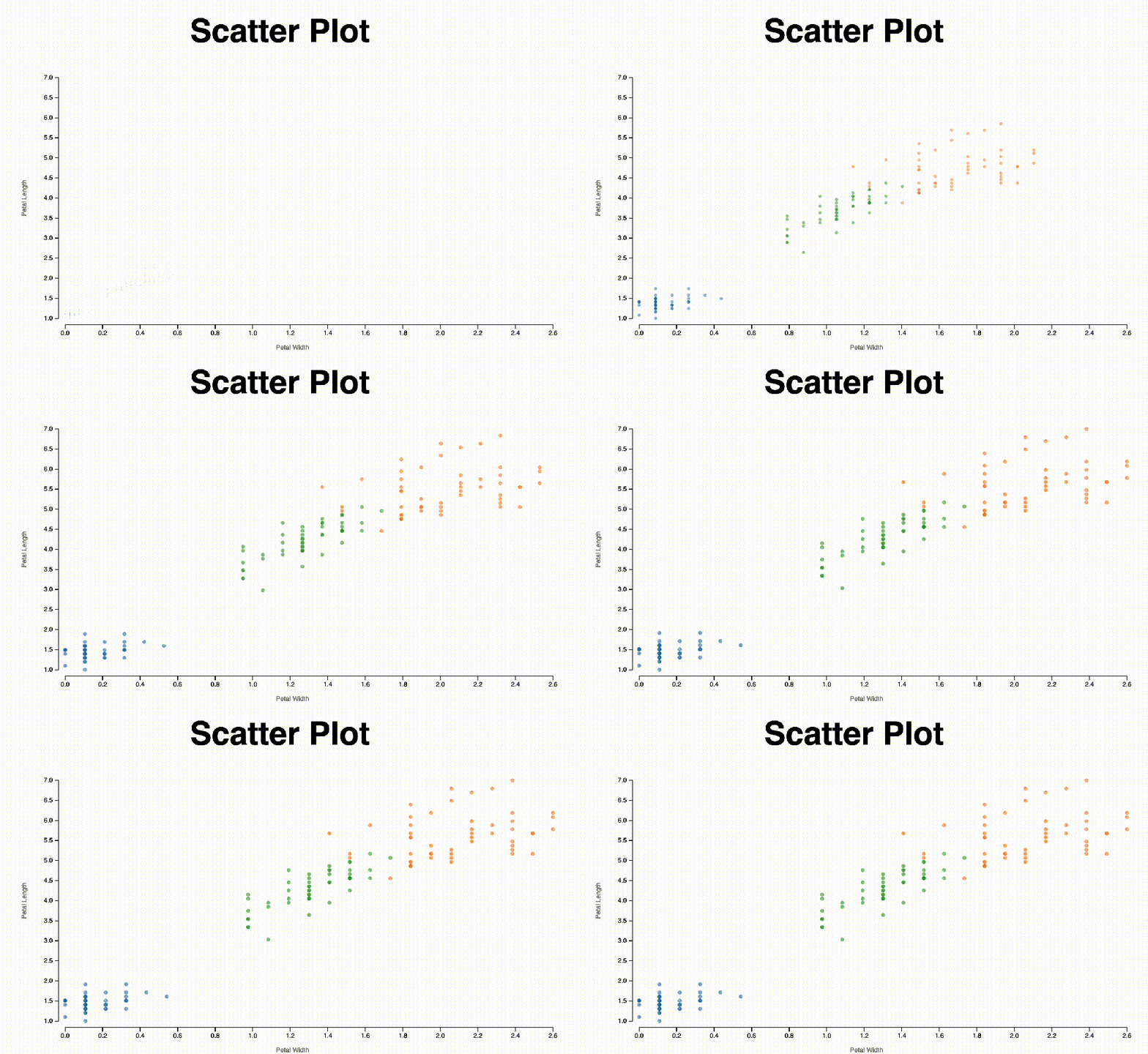
Codes are here.
 Qichun Dai