On day 6, I was trying to add an image while hovering over the circle in my force-layout chart. However, I couldn’t make it work. From time to time, I try to fix it. Today, I finally made it work.
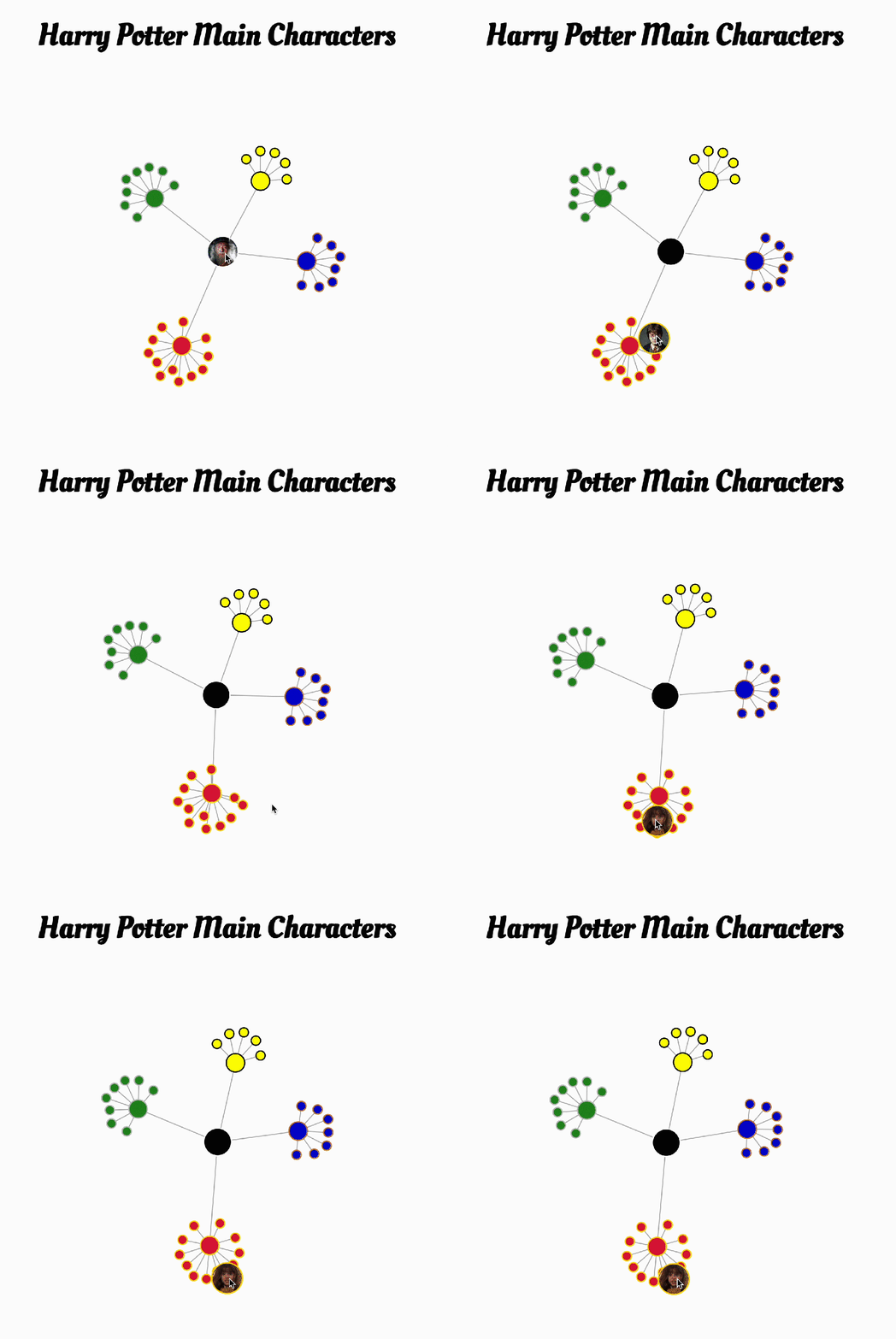
Append Image to Circle
In the beginning, I simply selected the circles and tried to append images to them. It didn’t work. You can find this post about adding images to circle elements using patterns. To make it work in my example, each dot will have a unique id, then I renamed the images in the “img” folder like “img1.jpeg” for id=1.

const defs= svg.append("defs")

defs.selectAll("pattern")
        .data(dataset.nodes)
        .enter()
        .append("pattern")
        .attr("id", d => d.id)
        .attr("width", "100%")
        .attr("height", "100%")
        .append('image')
        .attr("xlink:href", d => "./img/img" + d.id +".jpeg")
        .attr("width", "50")
        .attr("height", "50")
        //.attr("preserveAspectRatio", "none")
        //I already cropped all the images to square, so this is not needed.
Image Size
Here are the things I tried to fix, but didn’t work.
- Change the fill from CSS file to javaScript
- Select with d3.select(`circle#node_${d.id}`) to be more specific
- Adding !important to the style in the hover function
What really happened was that I set the pattern size way too smaller than the radius. The square is where my images were while hovering. The coordinate for the circle starts outside of the circle, not the center of the circle. That’s why when I set the width and height to 20 and the radius to 100, the images are not shown.

z-index
I noticed that the image sometimes is underneath other dots. This is not the behavior that we want, it should be on the top when we hover.
The idea is to change the z-index for the SVG element, but I found that
In SVG, z-index is defined by the order the element appears in the document.
How to use z-index in SVG elements
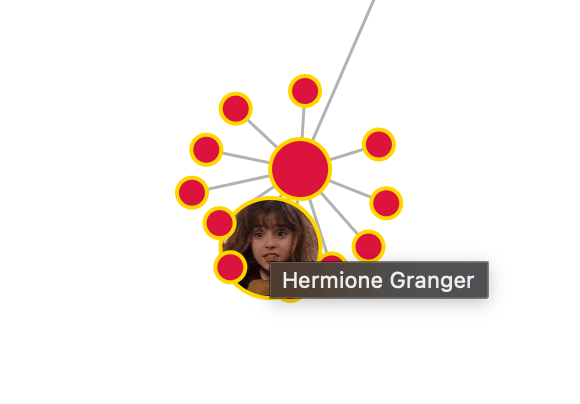
But it’s easier to just raise the circle we hover to the top using .raise( ).
    function mouseOver(event,d) {
        d3.select(`#node_${d.id}`)
          .attr("fill", d => `url(#${d.id})`)
          .attr("r", 25)
          .raise()
    }

 Qichun Dai